Creating a well-organized home office is essential for maintaining focus, reducing stress, and boosting productivity. Whether you work remotely full-time or need a dedicated space for occasional tasks, organizing your workspace can make a big difference in how you feel and perform. This guide will walk you through simple yet effective tips to set up a comfortable and efficient home office.
Why Organizing Your Home Office Matters
An organized home office helps you locate what you need quickly, keeps distractions at bay, and creates an inviting atmosphere. When your workspace is neat and thoughtfully arranged, it can enhance your motivation and support healthier work habits.
Start With a Clean Slate
Before you bring anything into your workspace, start by clearing out the clutter.
– Remove unnecessary items: Take everything out of your office space, then only put back what is essential.
– Deep clean: Dust surfaces, clean your windows, and vacuum or mop your floor.
– Assess your space: Note any areas that need improvement, such as lighting or furniture arrangement.
Choose the Right Furniture for Comfort and Function
Selecting ergonomic furniture supports comfort and reduces fatigue during long work sessions.
– Desk: Pick a desk that fits your room and allows enough space for your computer, paperwork, and other necessary tools.
– Chair: Invest in an adjustable chair that offers good lumbar support and encourages good posture.
– Additional furniture: Consider shelves, filing cabinets, or storage cubes to keep items organized and off your desk.
Organize Your Desk Essentials
Your desk should have a clear layout to avoid feeling cluttered or overwhelmed.
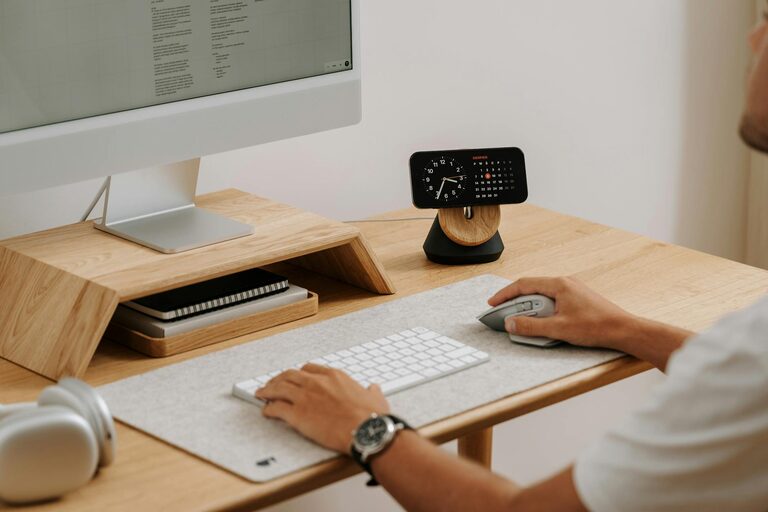
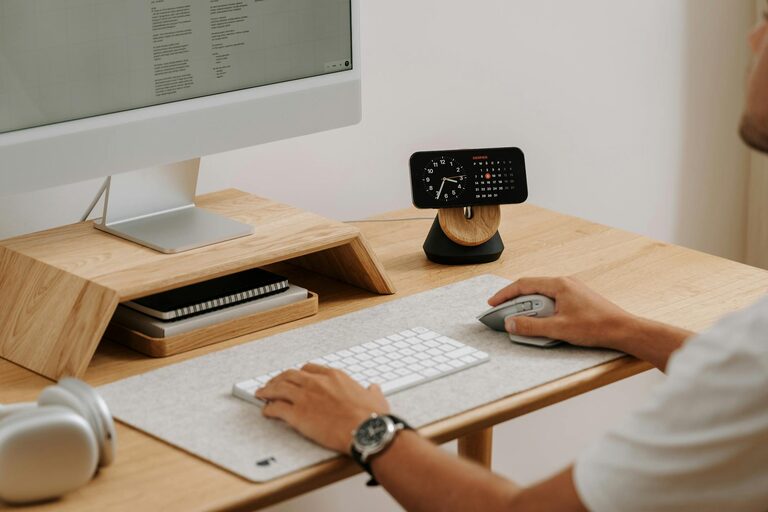
– Keep only daily essentials on your desk: This might include your computer, a notepad, pens, and a water bottle.
– Use organizers: Pen holders, trays, and drawer dividers help keep accessories sorted.
– Limit electronics: Minimize the number of devices on your desk to reduce distractions.
Utilize Smart Storage Solutions
Proper storage can keep your office tidy and make it easier to find what you need.
– Label containers and drawers: This saves time and promotes consistency.
– Vertical storage: Use wall-mounted shelves or pegboards to free up desk and floor space.
– File important papers: Use filing systems or binders to keep documents organized and accessible.
Optimize Lighting for Eye Comfort and Mood
Good lighting prevents eye strain and makes your office welcoming.
– Natural light: Position your desk near a window to enjoy daylight. It helps improve mood and alertness.
– Task lighting: Use adjustable desk lamps to focus light where you need it.
– Avoid glare: Arrange screens to reduce reflections and consider curtains or blinds to control sunlight.
Personalize Without Overcrowding
Adding personal touches can make your workspace more inviting but avoid clutter.
– Add plants: Small indoor plants improve air quality and add a natural element.
– Incorporate artwork or photos: Use a few meaningful pieces to inspire and motivate.
– Choose calming colors: Decorate with colors that promote focus and relaxation.
Maintain Organization with Regular Habits
Keeping your office organized requires ongoing effort.
– Daily tidy-up: Spend 5 minutes at the end of each day putting things back in place.
– Weekly review: Check your supplies and discard or file away unnecessary items.
– Digital organization: Regularly clean your computer desktop and organize files into folders.
Create Zones for Different Tasks
If space allows, design special areas for varied activities.
– Work zone: Your primary desk area for focused computer and paperwork tasks.
– Reference zone: Space for books, documents, and tools you use occasionally.
– Break zone: A comfortable chair or small area to step away and recharge.
Make Technology Work for You
Streamlining your tech setup can enhance productivity.
– Use cable management: Keep cords organized with clips, sleeves, or boxes.
– Set up dual monitors: If your work requires multitasking, multiple screens can increase efficiency.
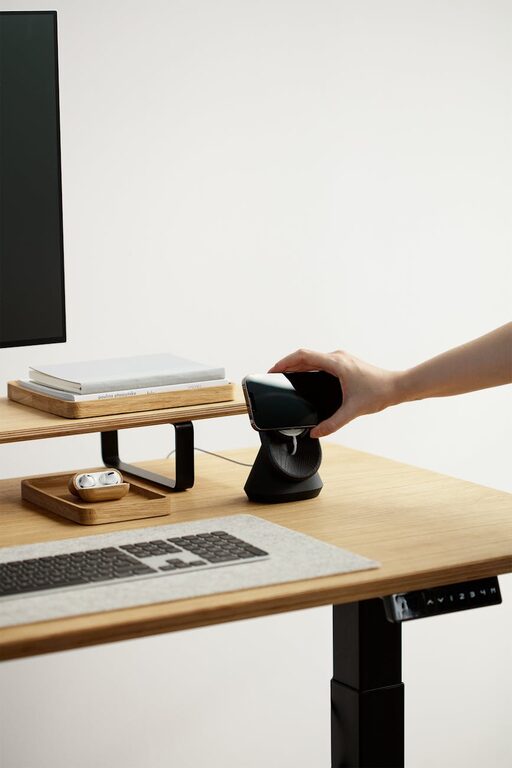
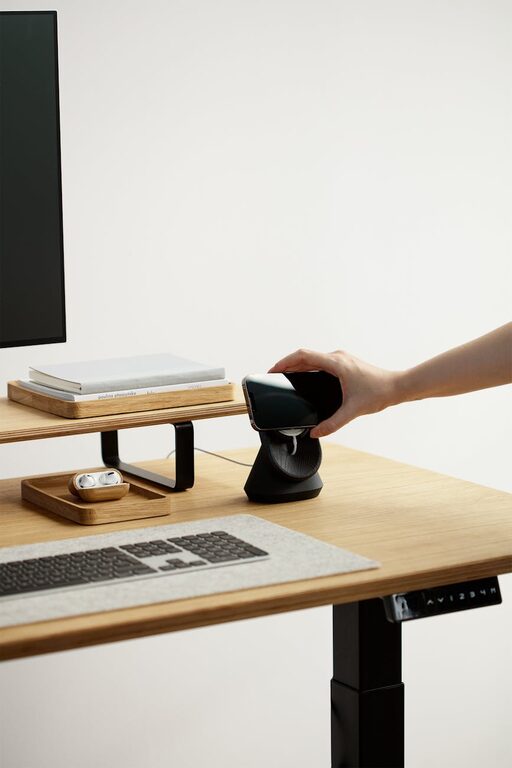
– Keep chargers handy: A dedicated charging station keeps devices powered without clutter.
Prioritize Comfort and Well-being
Your home office should support healthy work habits.
– Take breaks: Use timers or apps to remind you to stand up and stretch.
– Stay hydrated and nourished: Keep water and healthy snacks within reach.
– Control temperature: Use fans, heaters, or adjust windows for a comfortable climate.
—
Organizing your home office doesn’t have to be overwhelming. By implementing these straightforward tips, you can create a workspace that fuels your productivity while providing comfort and a pleasant atmosphere. A well-organized office helps you stay focused, motivated, and ready to tackle your day—whether working on a big project or ticking off daily to-dos. Start with small changes, and enjoy how they transform your work-from-home experience!
About the Author