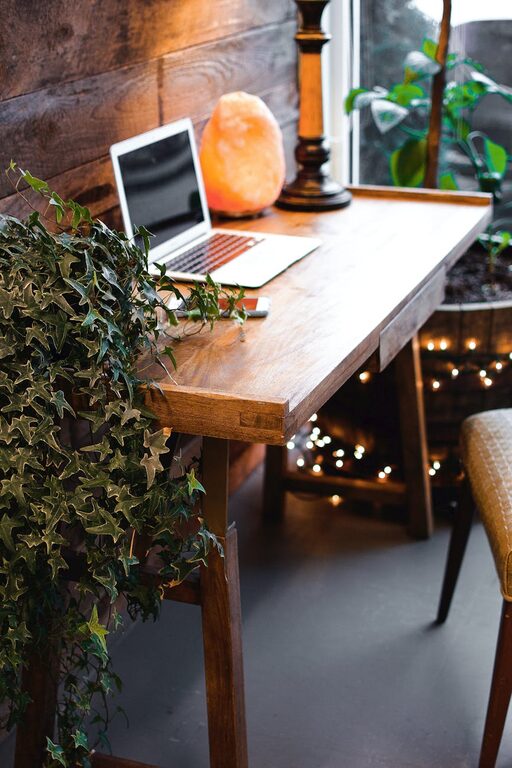
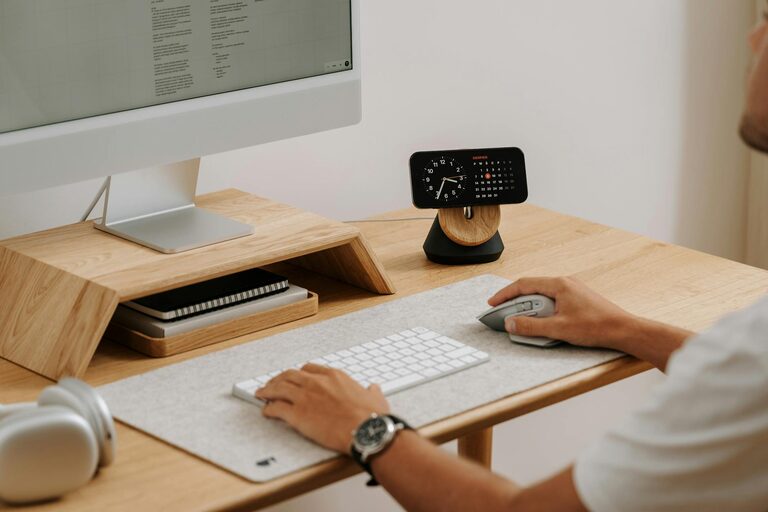
Creating a home office that is both comfortable and productive is essential for anyone working remotely or managing tasks from home. A well-designed workspace can help reduce stress, increase focus, and make your working hours more enjoyable. Whether you have a dedicated room or just a small corner, these tips will guide you in setting up an effective home office.
Choose the Right Location
The first step in creating a productive home office is selecting the best spot in your home. Consider these factors:
– Natural light: A space near a window with plenty of natural light can boost your mood and energy.
– Quiet environment: Choose a location away from household noise and distractions.
– Space availability: Make sure you have enough room for your desk, chair, and any necessary equipment.
If space is limited, a corner of a living room or bedroom can work, but try to define your workspace clearly.
Invest in Ergonomic Furniture
Comfortable furniture is key to prevent strain and fatigue during long working hours.
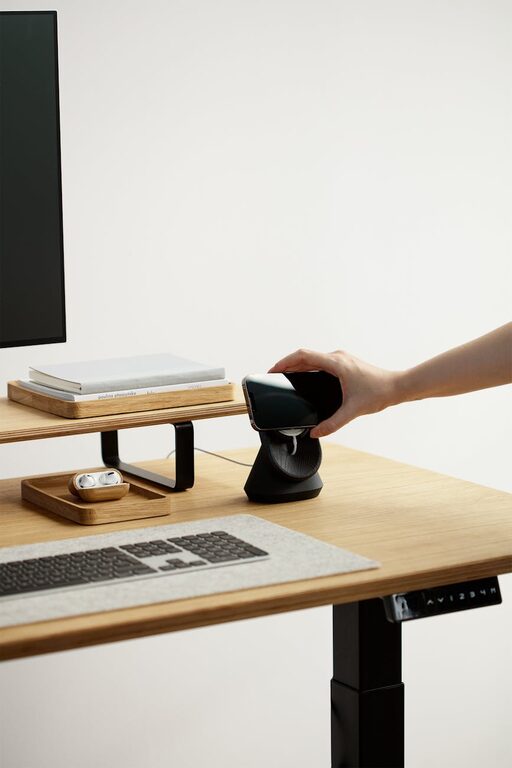
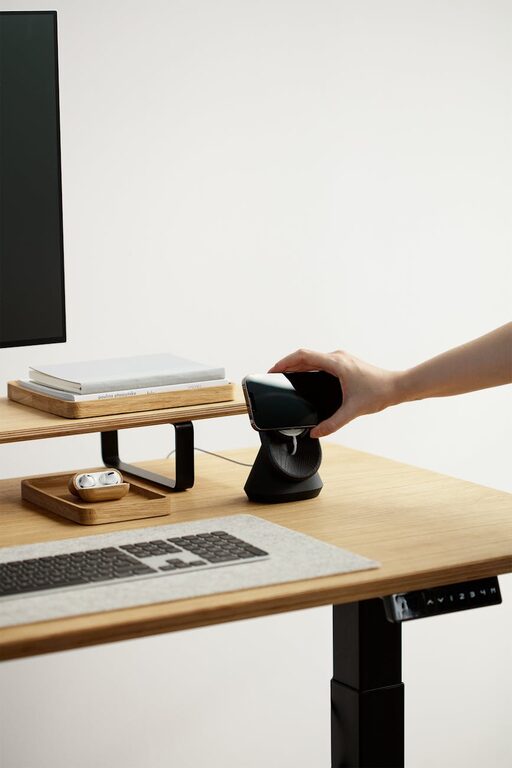
– Desk: Select a desk with enough surface area for your computer, paperwork, and other essentials. Adjustable desks are great for flexibility.
– Chair: An ergonomic chair with adjustable height, lumbar support, and comfortable padding supports good posture.
– Monitor placement: Place your computer monitor at eye level to reduce neck and eye strain.
Adding a footrest or adjustable keyboard tray can further enhance comfort.
Organize Your Space Efficiently
A clutter-free space helps maintain focus and makes your work routine smoother.
– Storage solutions: Use shelves, file cabinets, or desk organizers to keep supplies and documents neatly arranged.
– Cable management: Use clips or cable ties to prevent cords from tangling and cluttering your desk.
– Minimal décor: Keep decorations simple and meaningful to avoid distractions.
Set aside a few minutes each day to tidy your workspace and maintain order.
Optimize Lighting
Good lighting reduces eye strain and creates a pleasant environment.
– Layered lighting: Combine natural light with task lighting such as desk lamps and ambient lighting.
– Adjustable lamps: Use lamps with adjustable brightness or position to suit different times of the day.
– Avoid glare: Position your screen and lighting to avoid reflections and glares that can cause discomfort.
If natural light is limited, consider daylight-simulating bulbs to brighten your space.
Personalize Your Workspace
Adding personal touches can make your home office feel welcoming and motivating.
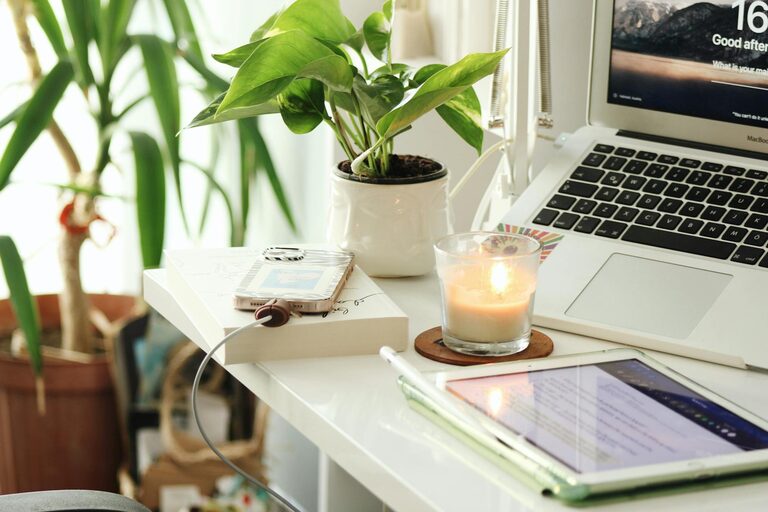
– Plants: Indoor plants improve air quality and add a calming element.
– Art and photos: Include inspiring artwork or photos that boost your mood.
– Favorite colors: Incorporate colors you find energizing or relaxing through accessories or wall paint.
While personalization is important, it’s best to keep the space professional and free from clutter.
Set Boundaries and Routines
Creating clear boundaries helps balance work and personal life.
– Define work hours: Keep regular working hours to separate work time and relaxation.
– Use physical cues: Close the door or use a room divider to signal work time to yourself and others.
– Take breaks: Schedule regular short breaks to stretch and rest your eyes.
Removing distractions such as television or non-work devices can also improve focus during work hours.
Incorporate Technology Essentials
Having the right technology setup can increase productivity and reduce frustration.
– Reliable internet: Ensure strong Wi-Fi or wired connection for smooth communication and work tasks.
– Quality headphones: Noise-canceling headphones can help minimize distractions during calls or focused work.
– Backup power: A surge protector or backup battery can keep your equipment safe and operational.
Keep software and security updates current to maintain efficiency and data safety.
Keep It Flexible
Your needs may change, so creating a flexible workspace is beneficial.
– Modular furniture: Use pieces that can be moved or adjusted easily.
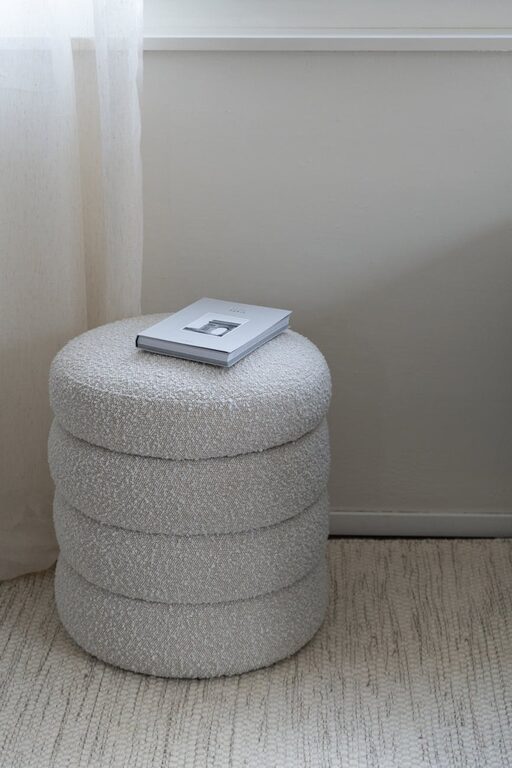
– Multipurpose areas: If space is limited, choose furniture that doubles as storage or seating.
– Adjustable equipment: Items like monitor stands, keyboard trays, and lighting should be easy to reposition.
Flexibility allows you to adapt your office to different tasks or future changes.
Final Thoughts
Designing a comfortable and productive home office takes some planning but can greatly improve your work-from-home experience. By choosing a good location, investing in ergonomic furniture, keeping your space organized, optimizing lighting, and setting clear boundaries, you create an environment that supports your focus and well-being. Personalize your space just enough to feel inspired without adding distractions. With the right technology and flexibility, your home office will be a place where you can work comfortably and efficiently every day.
About the Author